Some HTML content
", subject: "My subject", from_name: "Example Name", headers: { "Reply-To": "message.reply@example.com" }, attachments: [ { type: "text/plain", name: "myfile.txt", content: "Hello World" }, { type: "image/png", name: "test.png", encoding: 'base64', // You can use our JS API to encode your content string to base64 content: Fliplet.Encode.base64("hello world") } ] }; // Returns a promise Fliplet.Communicate.sendEmail(options); ``` You can also use {% raw %}`{{ variables }}`{% endraw %} expressions in your options if you want the template to be compiled with other data: {% raw %} ```js var options = { to: [ { email: "{{ emailTo }}", type: "to" } ], html: "Hi {{ userName }}
" }; // This will compile any string template in your options // with the input data passed as second parameter of the function. Fliplet.Communicate.sendEmail(options, { emailTo: 'john@example.com', userName: 'John Doe' }); ``` {% endraw %} Note: input `options` will get their value altered by the function as a result of the compilation process. If you want to preserve the input object original value, please make a copy as follows: ```js // Here we're using lodash "extend" method to make a copy of our options // before they're sent to the "sendEmail" function. Fliplet.Communicate.sendEmail(_.extend({}, options)); ``` --- ## Send batch emails Use our APIs to send batch of emails to one or more recipients. Note that this feature is rate limited and improper use will result in your account being flagged for suspension. **Custom Email Domains:** This API supports custom email domains. If you have configured a custom email domain for your organization, emails sent through this API will use your custom domain. To set up a custom email domain, see the [Custom email domain guide](https://help.fliplet.com/custom-email-domain/). There will `emails` array of object with `{ options, data }` template compilation. ```js var emails = [ { options1, data1 }, { options2, data2 }, { optionN, dataN } ]; ``` - **options** (Object) A map of options to pass to the function. The following properties found are supported: - **to** (Array) array of recipients for "to", "cc" or "bcc" - **subject** (String) subject of the email - **html** (String) HTML email body - **body** (String) Plaintext email body. Note: If **html** and **body** are both set, **html** will be used. - **data** (Array) An optional array of Base64 strings for the files to be attached. This only works on native devices. Each Base64 string should start with the format `data:%mimeType%;base64,`, e.g. `data:text/csv;base64,`, `data:image/png;base64,` etc. ```js var emails = [{ options: { to: [ { email: 'john@example.org', name: 'John', type: 'to' }, { email: 'jane@example.org', name: 'Jane', type: 'cc' } ], html: 'Some HTML content
', subject: 'My subject', from_name: 'Example Name' }, data: [] }, { options: { to: [ { email: 'jack@example.org', name: 'Jack', type: 'to' }, { email: 'jimmy@example.org', name: 'Jimmy', type: 'cc' } ], html: 'Some HTML content
', subject: 'My subject', from_name: 'Example Name' }, data: [] }]; // Returns a promise Fliplet.Communicate.batchSendEmail(emails); ``` --- ## Compose an email Compose an email on the device. ```js Fliplet.Communicate.composeEmail(options, data); ``` - **options** (Object) A map of options to pass to the function. The following properties found are supported: - **to** (Array) array of recipients for "to", "cc" or "bcc" - **subject** (String) subject of the email - **html** (String) HTML email body - **body** (String) Plaintext email body. Note: If **html** and **body** are both set, **html** will be used. - **data** (Array) An optional array of Base64 strings for the files to be attached. This only works on native devices. Each Base64 string should start with the format `data:%mimeType%;base64,`, e.g. `data:text/csv;base64,`, `data:image/png;base64,` etc. ```js var options = { to: [ { email: "john@example.org", name: "John", type: "to" }, { email: "jane@example.org", name: "Jane", type: "cc" } ], html: "Some HTML content
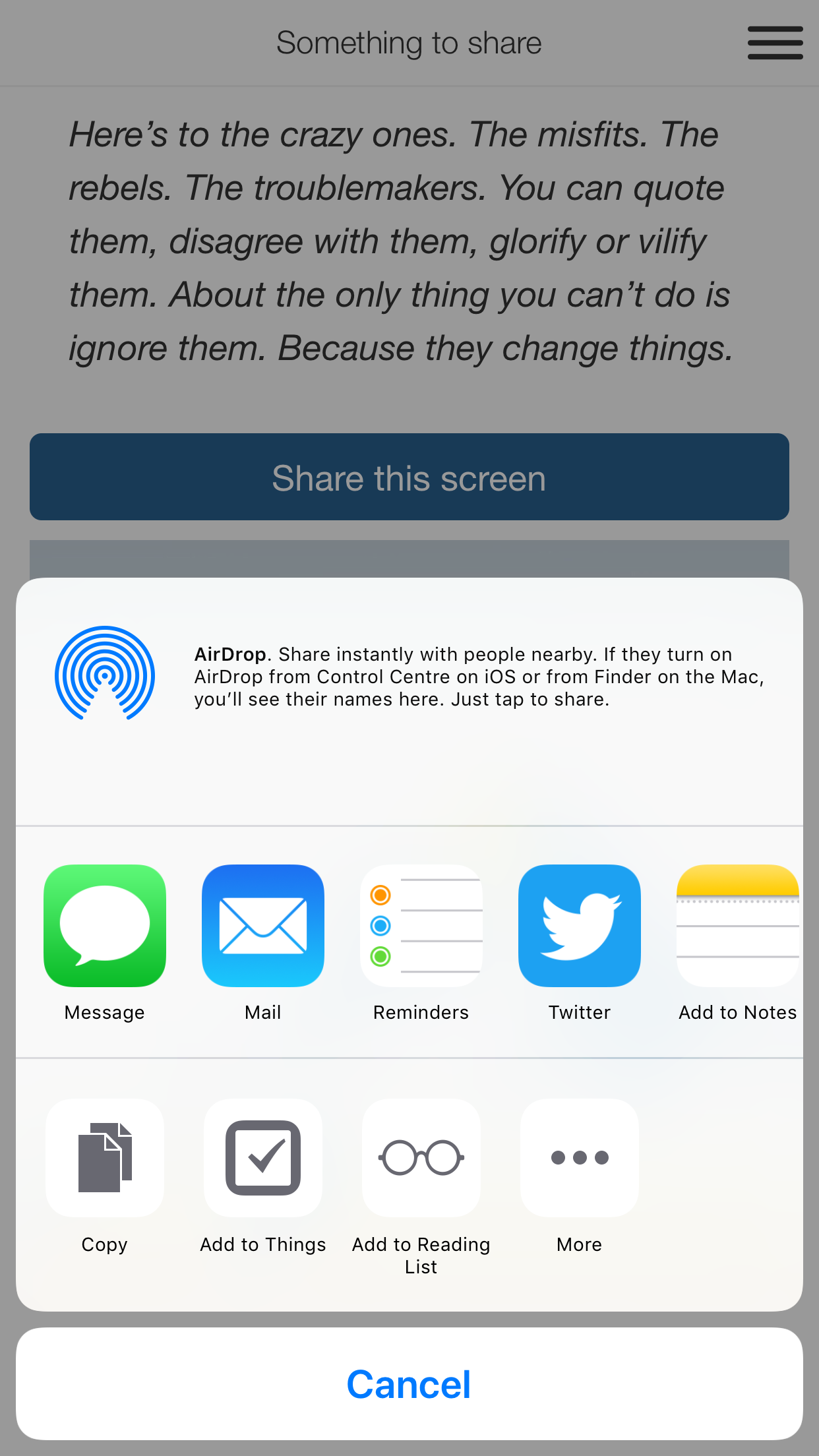
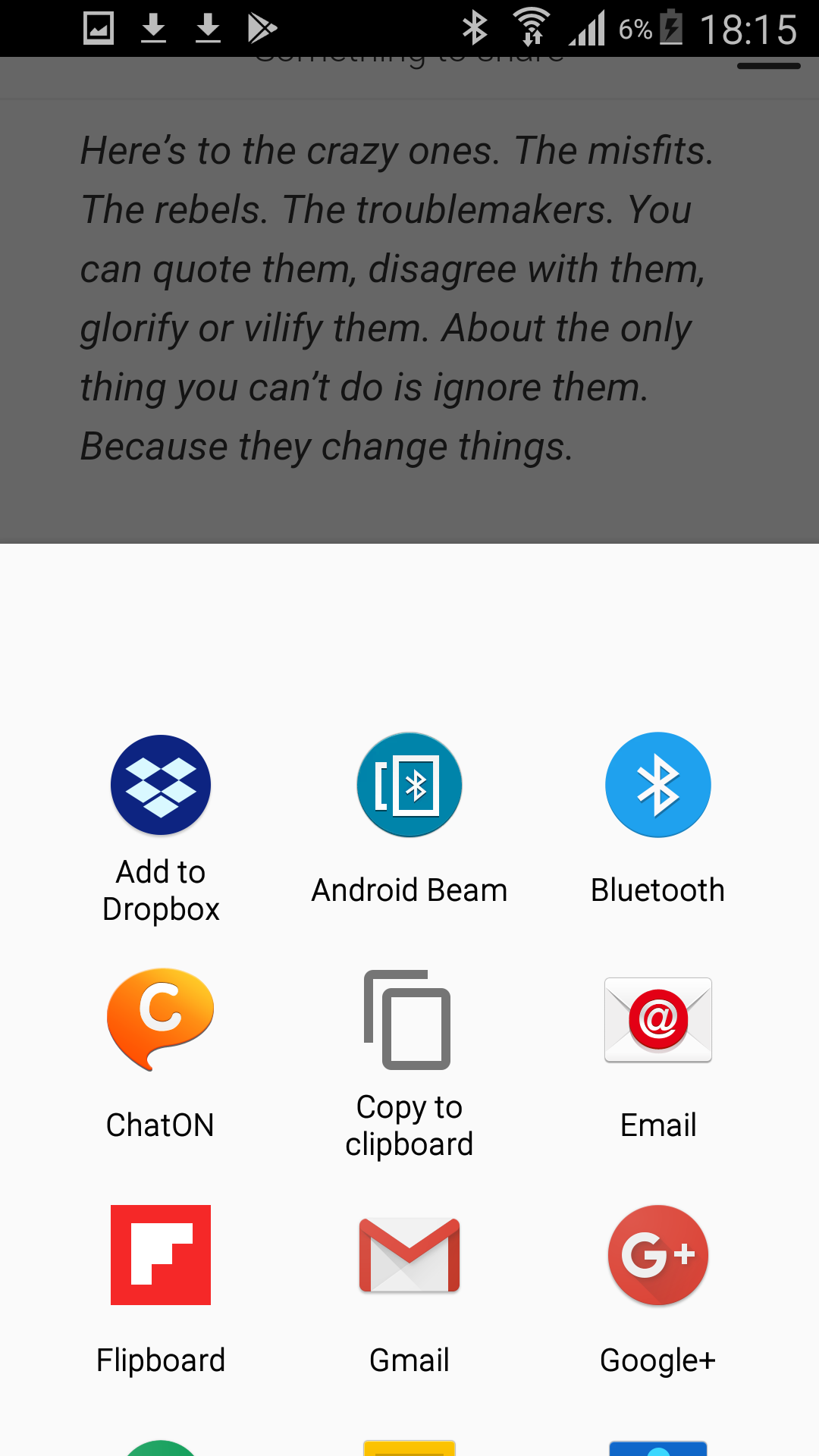
", subject: "My subject" }; // Returns a promise Fliplet.Communicate.composeEmail(options); ``` --- ## Send an SMS ### Default provider ```js var options = { data: { to: "+123456789", body: "Hey!" } }; Fliplet.Communicate.sendSMS(options); ``` Optionally, add `required: true` in `options` to queue the request if the device is offline. When the device comes online, the queued requests will be sent. ### Twilio ```js var options = { provider: "twilio" data: { from: "+123456789" to: "+123456789", body: "Hey!" }, options: { twilio_sid: 'AC81caaa94b3b84bb7ba9c3cd96bcb152a', // Your Account SID from www.twilio.com/console twilio_auth_token: 'AUTH_TOKEN'; // Your Auth Token from www.twilio.com/console } }; Fliplet.Communicate.sendSMS(options); ``` Let us know if you require to use another SMS provider and we'll check whether we can integrate it on our system. --- ## Send batch SMS Send batch of SMS with `sms` array of object with `{provider, data, options}`. ### Default ```js var sms = [{ data: { to: "+123456789", body: "Hey!" } },{ data: { to: "+987654321", body: "Hey!" } }]; Fliplet.Communicate.batchSendSMS(sms); ``` ### With Twilio provider ```js var sms = [{ provider: "twilio" data: { from: "+123456789" to: "+123456789", body: "Hey!" }, options: { twilio_sid: "AC81caaa94b3b84bb7ba9c3cd96bcb152a", // Your Account SID from www.twilio.com twilio_auth_token: "AUTH_TOKEN" // Your Auth Token from www.twilio.com } }, { provider: "twilio" data: { from: "+123456789" to: "+987654321", body: "Hey!" }, options: { twilio_sid: "AC81caaa94b3b84bb7ba9c3cd96bcb152a", // Your Account SID from www.twilio.com twilio_auth_token: "AUTH_TOKEN" // Your Auth Token from www.twilio.com } }]; Fliplet.Communicate.batchSendSMS(sms); ``` Let us know if you require to use another SMS provider and we'll check whether we can integrate it on our system. --- ## Share a URL ### Screenshots **Native apps** Native apps will use the operating systems' built-in features to integrate with any other apps installed on the device.| iOS | Android |
|---|---|
|
|
| Desktop | Mobile |
|---|---|
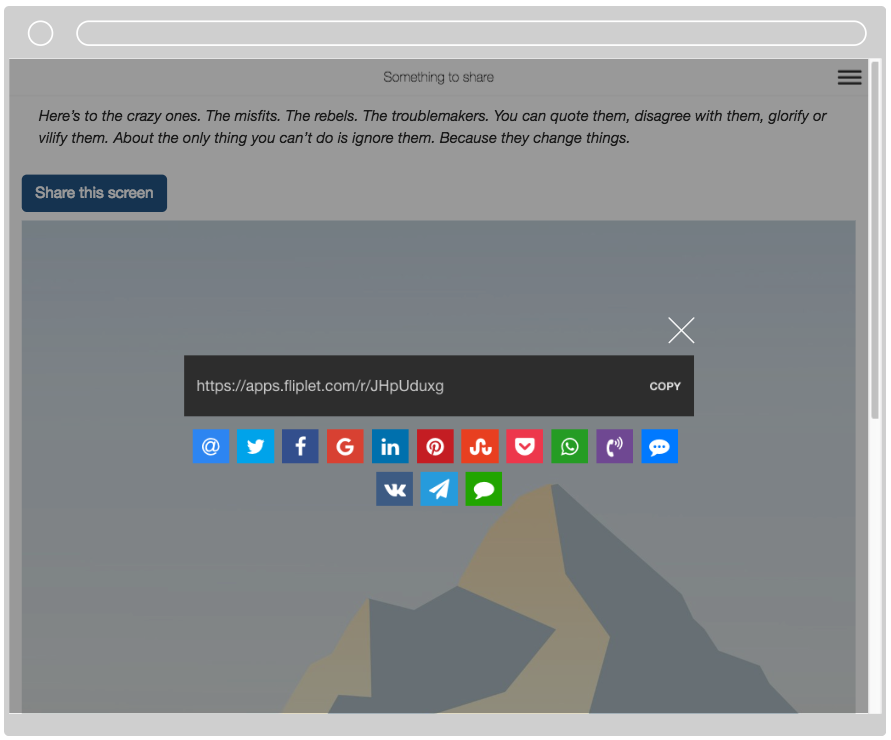 |
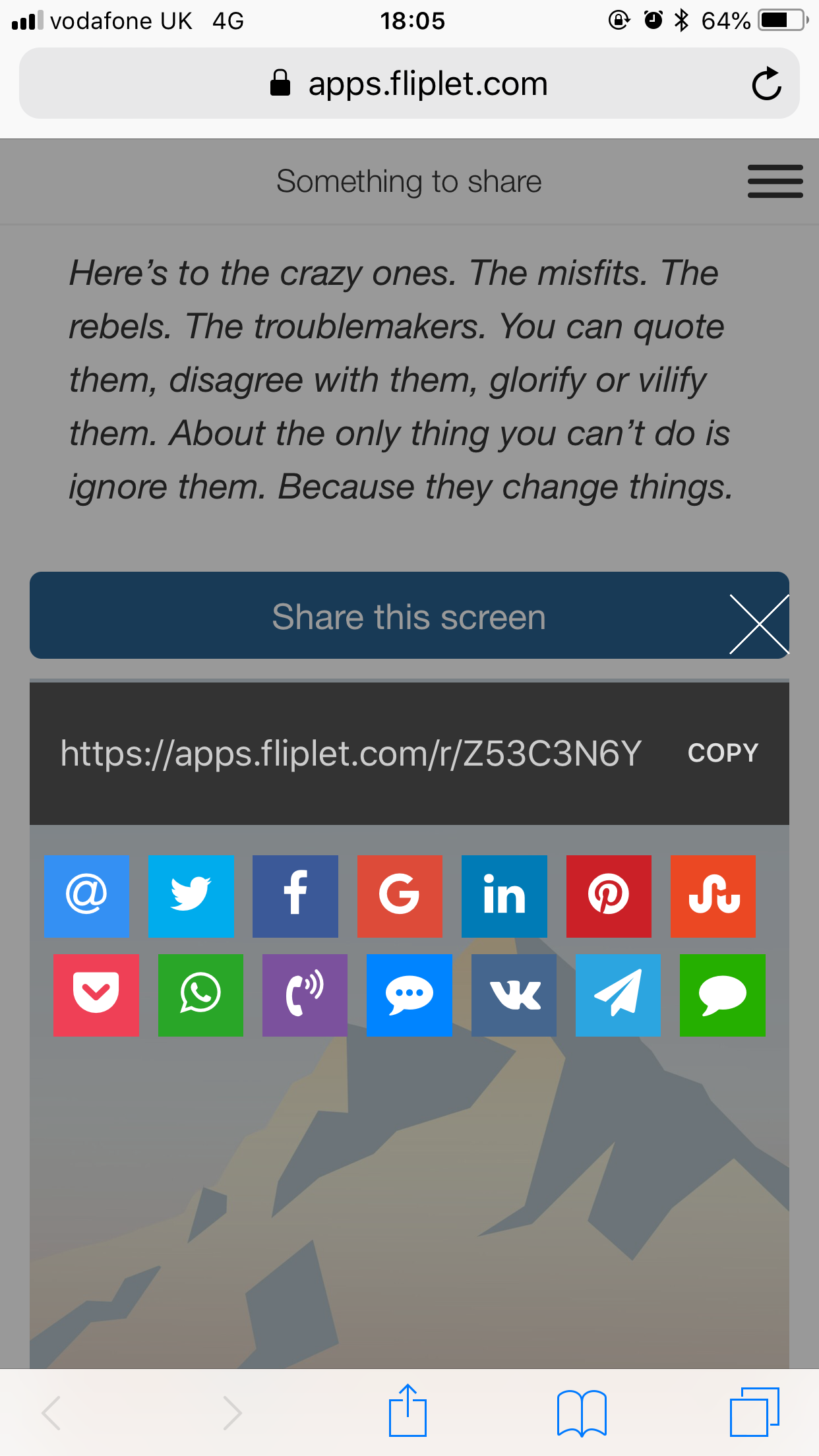 |